Vampire Survivors in Scratch β€” Digital Worksheet

Follow the stages to build a survival game in Scratch. Use the videos for support and the stage pages for step-by-step instructions.

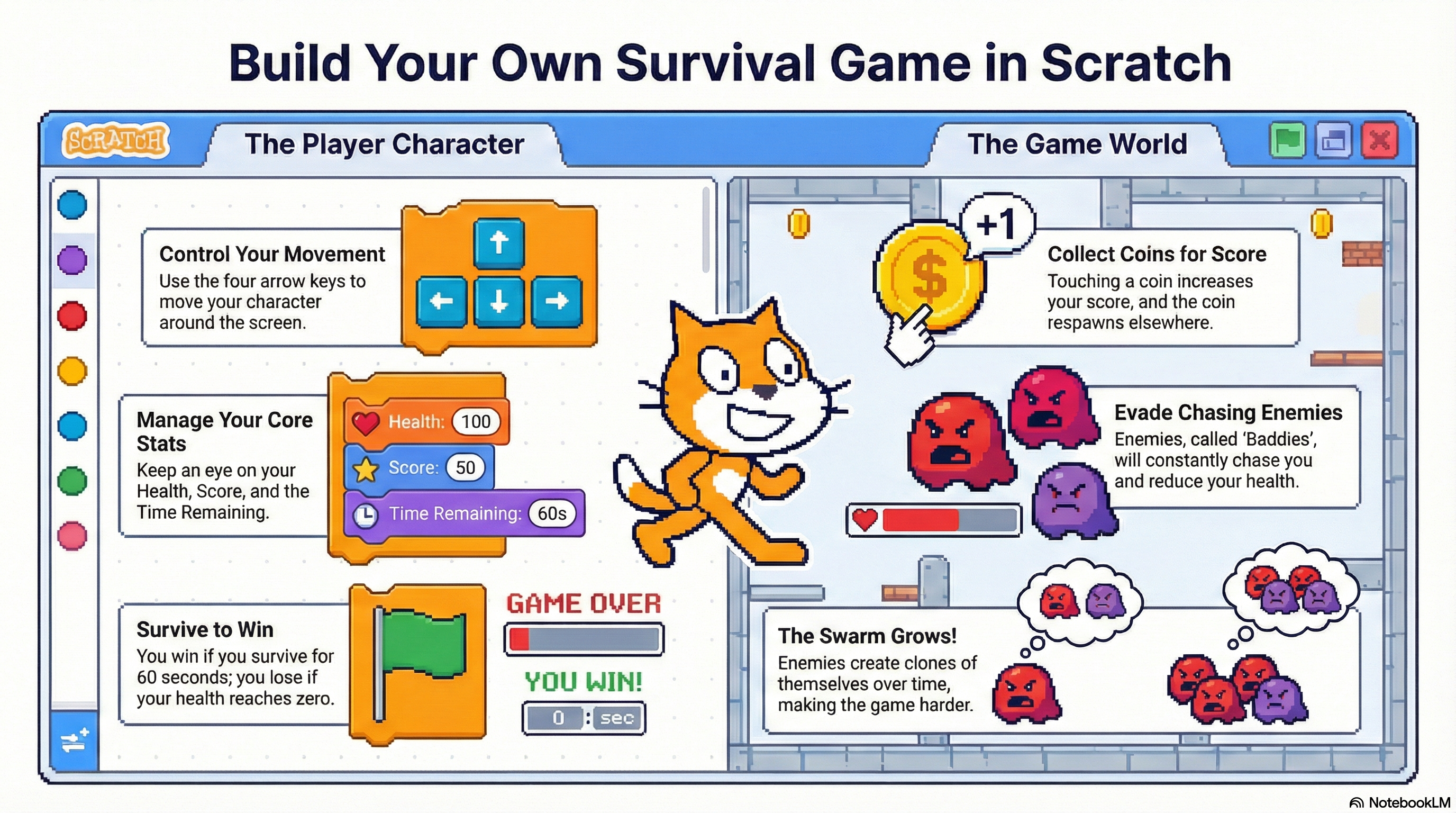
NotebookLM infographic (add your own image here)
Infographic / slide image. Click to view full screen.

What you’re building

A simple Vampire Survivors-style survival game in Scratch: move your character, collect coins, avoid enemies, survive the timer, and add health + clones.

Variables Loops If statements Broadcasts Clones
How to use this worksheet: Watch the videos, then complete the stages in order. Each stage page has bite-sized instructions and a β€œcheck” so you know it’s working.
How to use the videos (do this every stage):

You cannot watch the whole video and remember every step. Instead: watch ~30 seconds, pause, then build that section in Scratch. Repeat.

  • Split your screen so you can see Scratch and the video at the same time.
  • Windows: open Scratch and the worksheet/video, then press Windows key + Left Arrow to snap one app to the left. Click the other window to fill the right.
  • If you want Scratch bigger: drag the divider so Scratch takes about 2/3 of the screen and the video takes 1/3.

Stages overview

Click a stage to open the worksheet page for that part of the build.

Stage 1 β€” Setup + main character sprite

Open Scratch, delete the cat, and draw your main character. Name it Main.

Stage 2 β€” Variables + 60s timer

Create score and time remaining. Build a countdown.

Stage 3 β€” Movement controls

Use a forever loop + if key pressed blocks to move with arrow keys.

Stage 4 β€” Coins + scoring

Make coins that hide when collected and respawn randomly after 3 seconds.

Stage 5 β€” Enemy chase

Make a baddy point towards Main and chase. Reset score on touch.

Stage 6 β€” Screens + broadcasts

Add start/dead/survived backdrops and use broadcasts to switch scenes + hide sprites.

Stage 7 β€” Health + clones (swarms)

Add health, take damage, clone enemies, randomise speed, and finish the game loop.

Want a more in-depth understanding?

Open the supporting slides for extra explanations, examples, and reminders (great for revision or catching up).